Are Squarespace Templates SEO-Friendly? (What “SEO-Optimized” Really Means)
As a Squarespace template designer, I get this question all the time: Are your premium Squarespace templates optimized for SEO? And my answer is a bit nuanced. First — kind of yes. My templates give you the right structure to write SEO-friendly content. But at the same time — no. And here’s why.
I don’t know your exact SEO situation. I don’t know your keywords, your location, or what your ideal clients are actually searching for. My templates are used by many different businesses, so they include dummy copy that’s there to help you imagine how your content could look, what text length works best, and how pages should be structured.
But every business — including yours — has its own keywords to target. And that part is on you.
As a template designer, I can’t choose your keywords for you when I create a Squarespace template. What I can give you is the correct headline structure, subheadlines, and page hierarchy so that when you do write your content, you’re setting yourself up for SEO success. Because afterall, it is a template, and in a way it is an SEO template as well.
That’s what being “SEO-optimized” really means when it comes to website templates.
What “SEO-optimized” means for website templates
When it comes to templates, SEO isn’t about keywords — it’s about structure. I can’t predict what you want to rank for, but I can design templates that guide you toward:
Proper headline hierarchy
Logical page structure
Clear visual cues for writing content
This is what allows you to add your own keywords in a way that actually makes sense for Google.
That said, I do have a few practical tricks I want to show you — things you can do to take the most out of any Squarespace template (free or premium) and set up your SEO the right way.
How my Squarespace templates support SEO
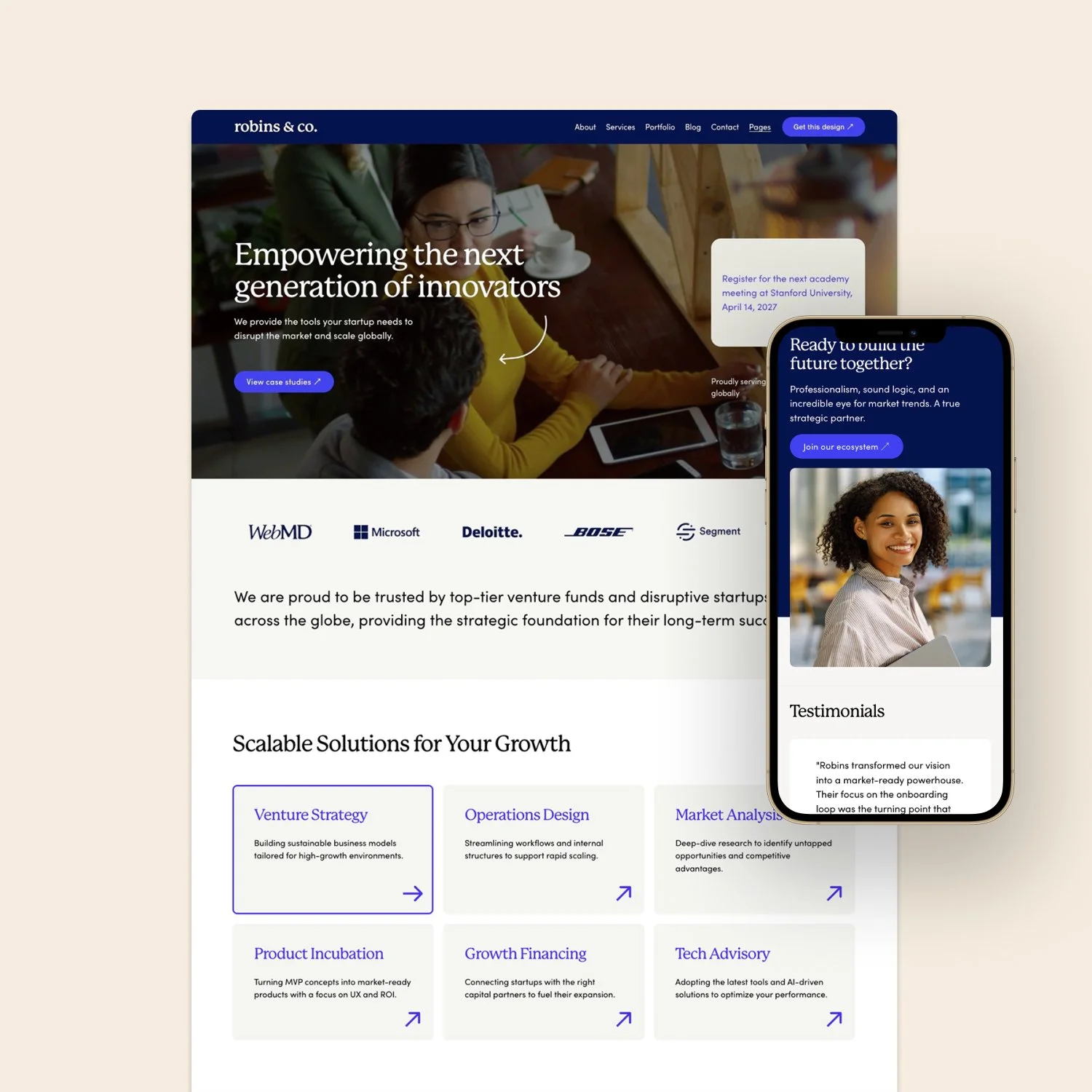
Here’s one of my best-selling Squarespace templates, Launch Day. It’s optimized for SEO in the sense that it gives you the right structure and design tools, especially when it comes to headline hierarchy.
Certain things make sense design-wise — and those same elements help guide you when writing your copy.


A real-life example from a client website
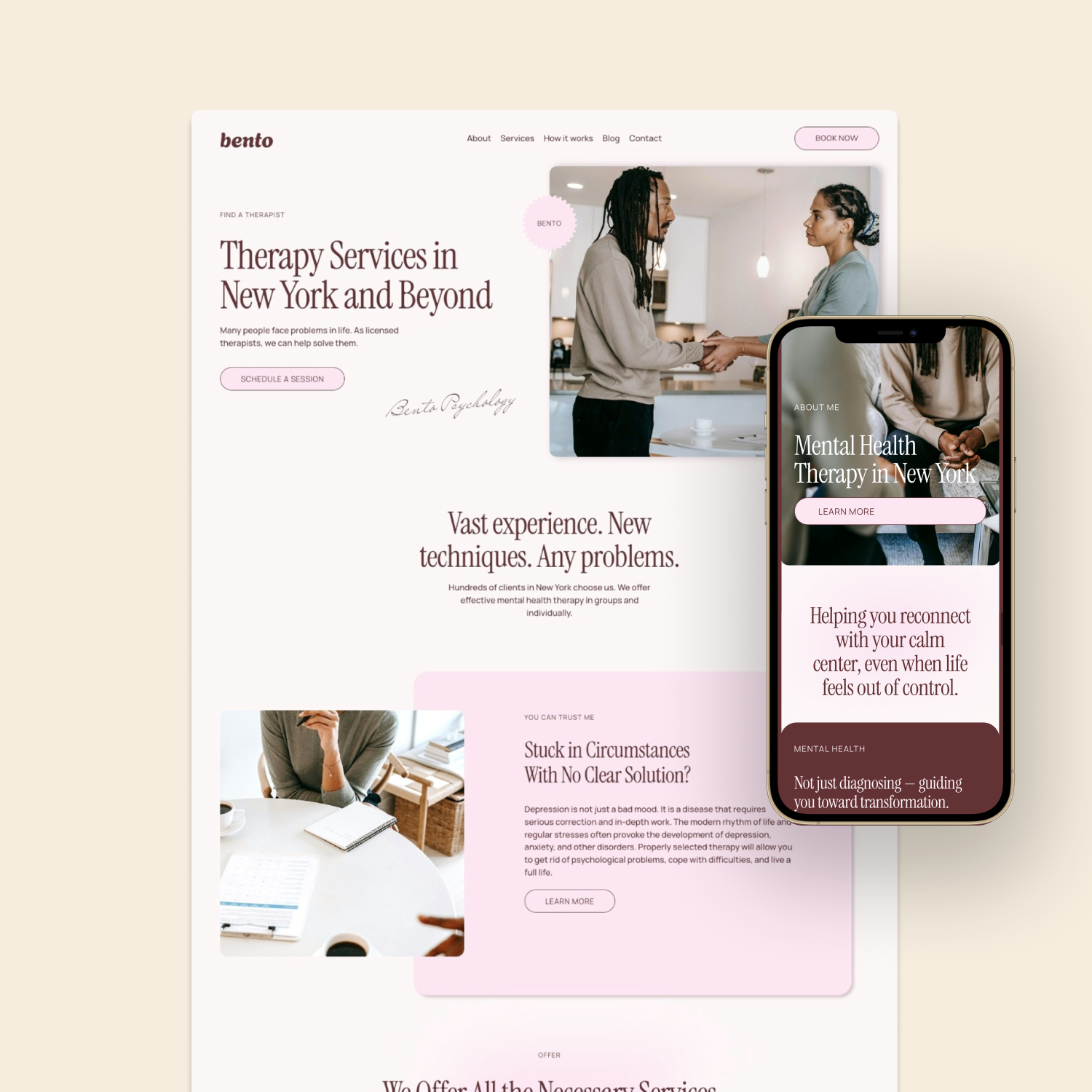
Here’s how one of our clients uses this template for their therapy business. If we use the Detailed SEO Extension to analyze their site, you’ll see that they’ve done a great job with:
Rich headlines
A clear hierarchy (H1, H2s, H3s)
Strong, descriptive content
Proper use of internal and external links
There’s only one H1 on the page, followed by H2s and H3s — and that’s how Google primarily understands your website’s structure.

You’ll also see they have a solid title and meta description, optimized images, and only one image missing an alt tag. Overall, it’s a strong setup.
I highly recommend installing the Detailed SEO Extension so you can analyze your own site this way. Just note that it won’t work on a template demo — your site needs to be published and live for the tool to work properly.
Do keyword research before writing your website copy
Another tool I recommend is Ubersuggest. It’s one of the most affordable and easy-to-use SEO tools out there.
Let’s say you’re a therapist or a photographer and you’re about to populate your site with content. Before writing anything, do a bit of keyword research.
For example, if I’m a therapist in Los Angeles and I search for something like “anxiety therapy LA,” this tool will show me:
What people are actually searching for
How much competition there is for each keyword
You might discover that a keyword like “anxiety treatment Las Vegas” has much higher search volume than you expected — and that could influence how you name your pages, write headlines, and structure your content.
The key takeaway here is this:
Do keyword research before you fill your template with copy.
Find out what real people are searching for, and then use those keywords intentionally throughout your site.
How to optimize your Squarespace pages for search
Once you have your keywords, the first thing you should do is go into Pages and optimize each page individually.
That means:
Editing the URL slug
Setting up the SEO title
Writing a meta title and meta description
These are the elements that show up in Google search results.
Next, go to Analytics → Search → Keywords in Squarespace. There, you can connect your site to Google Search Console.
To do this:
Create a Search Console account
Connect it inside Squarespace
Submit your sitemap (usually yourdomain.com/sitemap.xml)
Submitting your sitemap ensures Google crawls your site correctly and that your pages can appear in search results.
Go beyond templates with internal SEO and content clusters
After you’ve written rich content with proper headline hierarchy — and used your keywords in headlines, descriptions, and body copy — the next stage is internal SEO and content clustering. This part has nothing to do with templates and everything to do with strategy. If you want to go deeper into the strategy side of things, I break it down step by step in my Squarespace SEO strategy guide.
An internal SEO strategy can include:
Create multiple service pages
Write blog posts targeting related keywords
Link those blog posts back to a main “pillar” page you want to rank for
Or, you could write a series of blog posts around one core keyword and link all of them back to a central page.
This is how you build topical authority and help Google understand what your site is really about.
The truth about SEO-friendly Squarespace templates
I wish I could tell you there’s a magic template that will solve all your SEO problems. Unfortunately, that doesn’t exist.
What I can do as a web designer and marketing specialist is set you up for success — with the right structure, the right strategy, and templates that support good SEO practices.
But at the end of the day, SEO is very specific, ongoing marketing work.
If you want help with this, we can work on your SEO together. I offer SEO consultations, where we go over your keywords, your strategy, and optimize your pages in a working session.
And if you’re looking for ready-made designs, I also have some awesome Squarespace templates, so feel free to check them out in our shop.

View Demo
Fabrica is a premium Squarespace template for consultancies, agencies, and service-based firms. Its bold, retro-editorial design gives your firm real personality — while structured service, sales, and portfolio pages do the selling.